Document
your use of AI
Check what your assignment permits. Record the help you actually used and see what a submission disclosure can look like.
QUESTIONS
SUPPORT WITH EVIDENCE
JUSTIFY
I used AI. What should I say at submission?
- Check the rules for this assignment
- Find out which help is allowed and where you must disclose it.
- Briefly record what happened
- Record the tool, task, your checks and what you used.
A disclosure can be this short
- What I asked for
- I asked the chat for feedback on my paragraph about campus printing.
- What I checked
- I looked up the number in the IT service handbook and noted the exact passage.
- What I did with the result
- I rejected the feedback and rewrote the sentence myself using the correct number.
Record your use of AI for submission
- Record the rule
Note what the assignment allows and where you must disclose the use.
- Describe the help in one sentence
Record the tool, date, purpose and the relevant section.
- Add what you found when checking it
Record what you checked and what you kept or rejected.

Quick check Can the reader tell which work I did myself and what help I used?
The AI says 50 MB. Which figure is right?
Imagine you are writing a paper on AI answers to campus IT questions. Your test question is “How large can my PDF be for campus printing?” The handbook and answers were created for this example.
- The AI gives a 50 MB limit
The example answer says “It can be up to 50 MB” and names the campus printing section.
- The handbook gives a 20 MB limit
Open the IT service handbook. Page 1, under “Campus printing”, limits PDF files to 20 MB.
- How I write this in my paper
“The AI gave a limit of 50 MB (answer sheet, p. 1, campus printing). The IT service handbook sets a limit of 20 MB (p. 1, ‘Campus printing’).”
- The rule in the IT service handbookPDF · Page 1, “Campus printing”
- The AI answer about campus printingPDF · Page 1, campus printing question, right column
How I record this in my AI log
12 November 2026 · Fictional study chat, example model 1. I asked for feedback on my paragraph. The chat treated 50 MB as correct. I checked page 1 of the handbook under “Campus printing”. It says 20 MB. I rejected the feedback and wrote the sentence myself.
Cite the handbook for the rule and the relevant entry in the answer sheet if you discuss the AI output. Disclose assistance with your own work as required by the assignment.

Where to put each disclosure
- Declaration or list of tools used
Identify the assistance in the form required by your assignment.
- In the methods section
If AI is part of your study, explain your inputs and how you checked the outputs.
- At the point of use
Check whether reused text, code or figures must be labelled where they appear.
What to consider when sharing and checking material
- Documents and data
Use only files and data you have permission to share with this tool. Ask before using material if the permission is unclear.
- Verify claims yourself
Check quotations against the originals. Recalculate important figures and record the exact source.
Example disclosure for permitted language feedback
On [date], I used [tool and available model or version] for language feedback on Section 3.2. I incorporated two suggestions to make it clearer. I checked claims, quotations and references against the original sources. Further details are available in AI log entry K01 if required.
Replace the placeholders and check whether your assessment requires a different form or further details.
How to disclose AI assistance at submission
The case study question How many AI answers contain at least one unsupported claim? I compare answers to the same questions, first without and then with a request to cite the exact section of the IT service handbook.
What does this assignment allow?
Check the instructions for your specific assignment. What may AI do? Which text or data can you share? Where must you disclose the use? Ask before using it if anything is unclear.
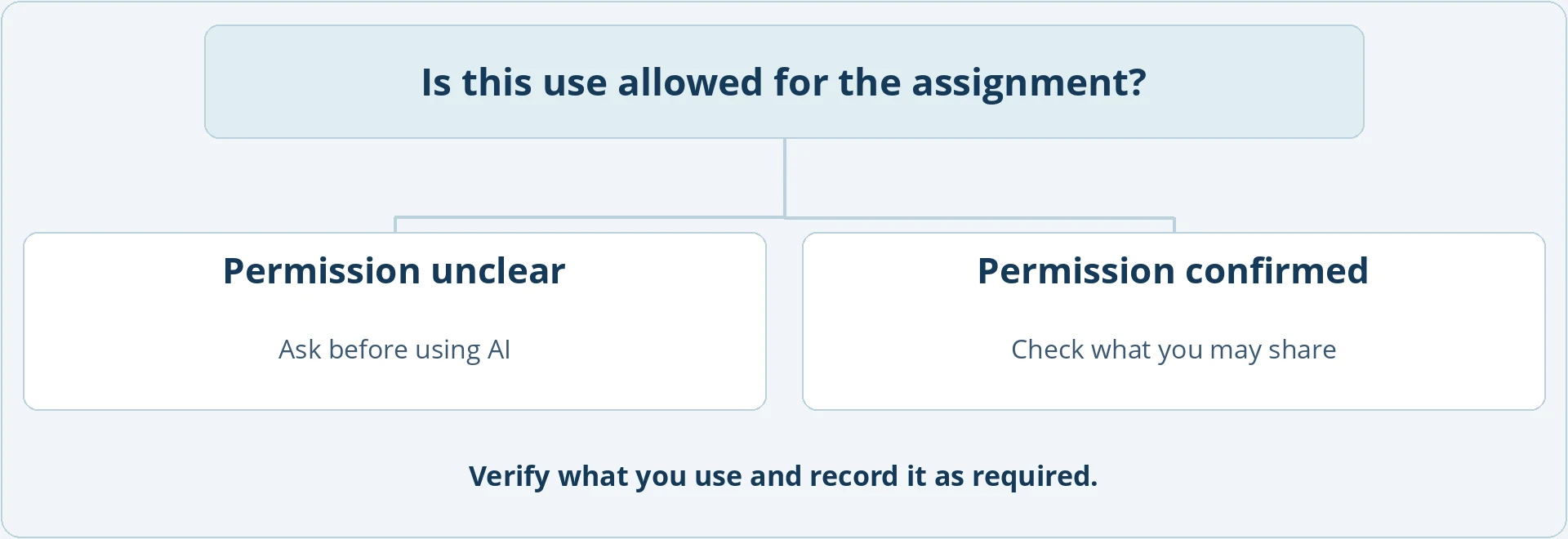

Record the guidance or your supervisor's reply so you can refer to it later.
What do I need to share with the AI?
A short piece of your own writing may be enough to ask for feedback. For the fictional printing case, use the relevant excerpt from the fictional handbook. Share only material you are allowed to use for that purpose. If unclear, ask before uploading.
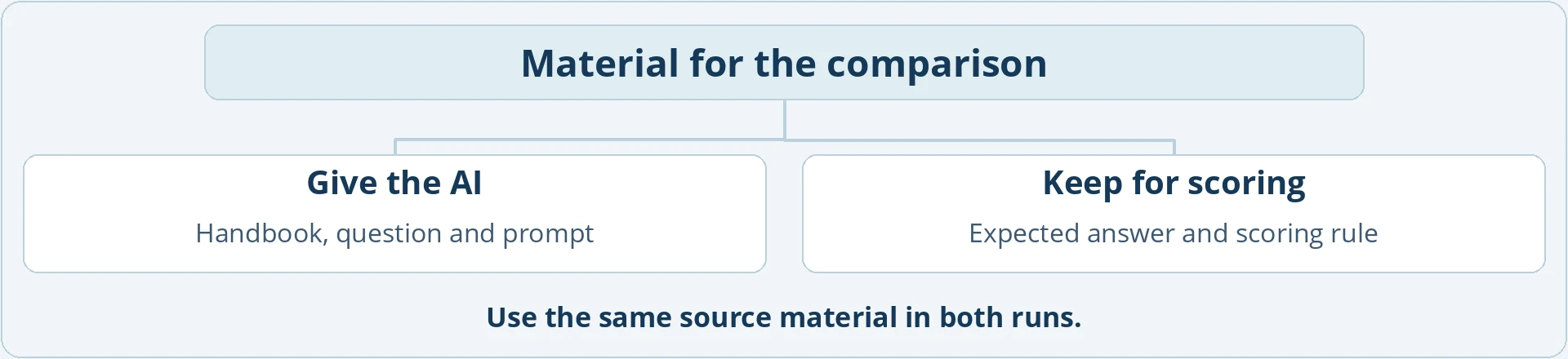
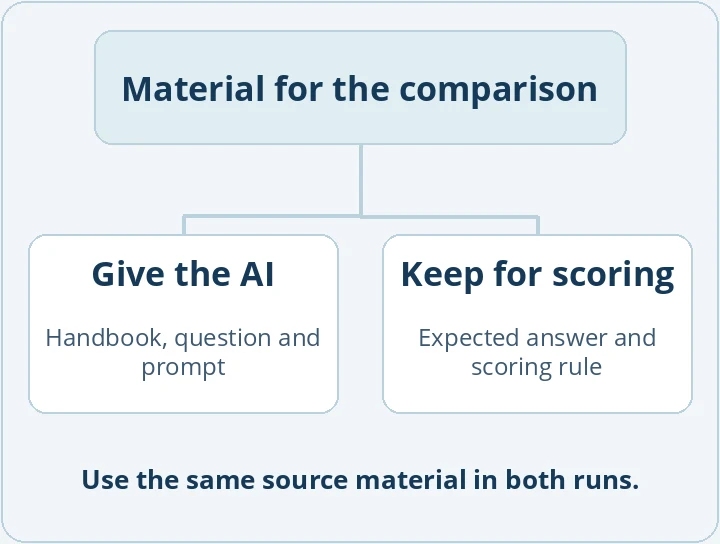
Keep the prompt, output and your own checks for as long as your assignment requires.
How do I assess an AI suggestion?
Choose a check that fits the suggestion. Read the original source for a claim, recalculate a figure, or compare your wording before and after a proposed edit. For the printing example, a note is enough: “Rejected 50 MB. Page 1 of the handbook, ‘Campus printing’, gives a limit of 20 MB.”


A date, the task and the exact source let you explain how you reached the decision later.
Where should the AI disclosure go?
Consult your assignment instructions. You may need a separate declaration. If AI is part of your study, describe the model, prompts and checks in the methods section and keep the outputs as required.
This fictional example compares responses to campus IT questions. For a real study, I would include the model, date, prompts and settings in the methods section and keep the unedited outputs. Assistance with search terms or feedback belongs in my AI log. The results here use answers written for the exercise.
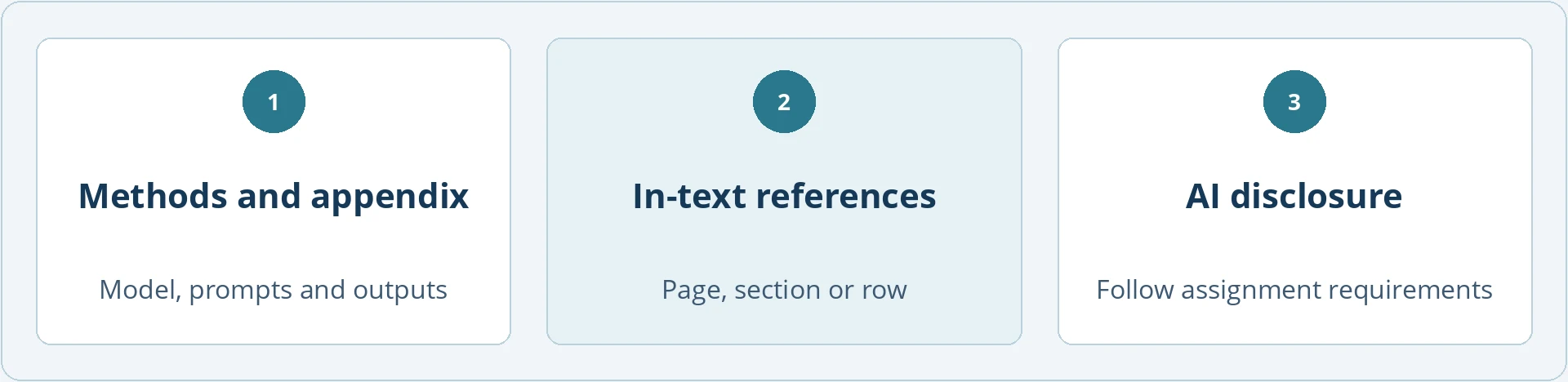
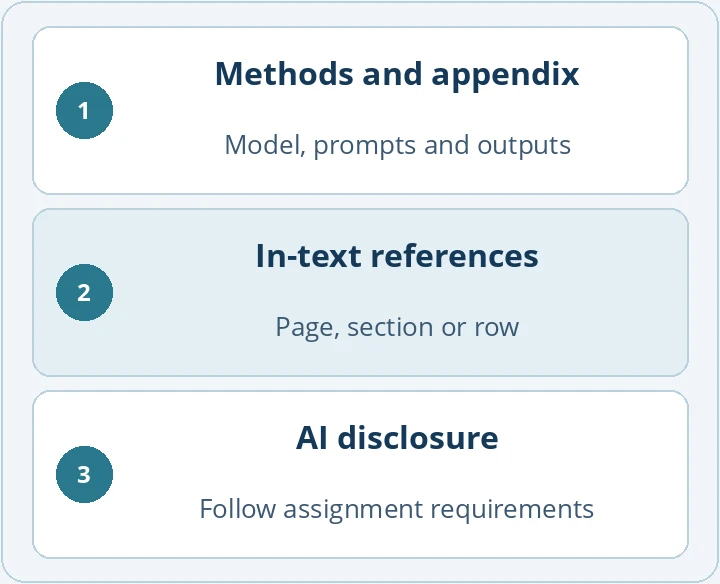
Use this example as a guide. Describe what you actually did.
What do I prepare before submission?
Record the exact sources behind your main claims. Gather the study material, prompts and answers. Read your AI declaration alongside the final paper and check that the details match.
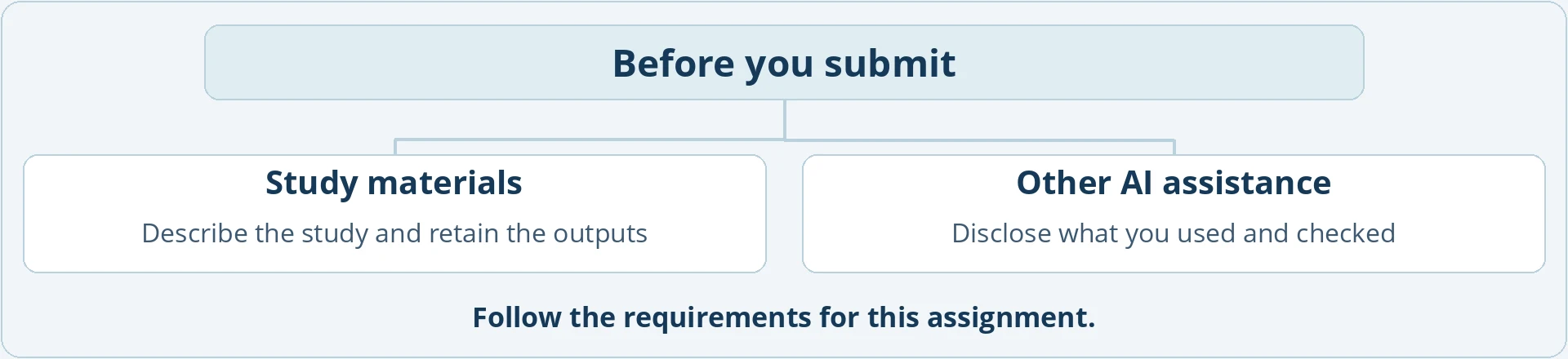
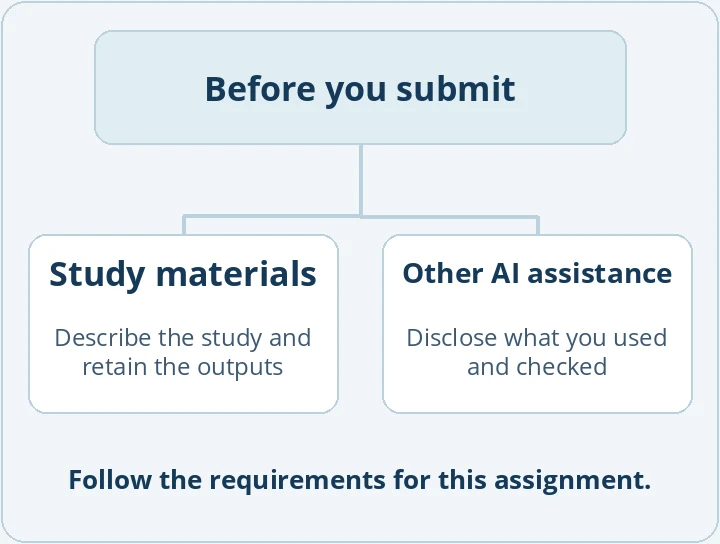
A template can help you gather source references and details of your use of AI.
Exercise · Find the right place for each piece of evidence
You collected AI answers for a study and used AI feedback on a paragraph you wrote. Where do you describe the study, where do you substantiate the 20 MB and 50 MB figures, and where do you disclose the feedback?
- Explain the experiment in the methods section
State the model, date, handbook, two prompts and scoring rule. Keep the answers verbatim. Assemble any required supporting material, for example in an appendix.
Why? The AI outputs are your research data here. Readers need to see how you generated them and turned answers into scores.
- Support claims where you make them
For the 20 MB limit, cite the handbook, page 1, “Campus printing”. For the 50 MB output, cite the corresponding row and column in the answer sheet.
Why? The methods section explains your approach. For a specific claim, readers need the exact place they can check it.
- Record the feedback as assistance
Example note: “[Date], [tool]: Feedback on sentence order in Section 3.2. I revised the order myself and checked both figures against the answer sheet.” Transfer the required details to the prescribed form.
Why? The entry shows what help you requested, what you changed and how you checked it. Follow the instructions for your assessment when deciding which details to submit and where.
Further reading

EU AI Act: Alles was man wissen muss
AI governance, compliance and accountabilityIT, AI, GOVERNANCE & MANAGEMENTRegulatory requirements for organisations using AI. A compact introduction to the organisational framework for AI and how to implement it.
Templates for this chapter
Complete the log and check your disclosures before submitting.
The guide and its figures are in English. The downloadable templates, handbook and example data are the German originals. In those files, “Campus printing” appears as “Campusdruck” and “With citation request” as “Mit Bitte um Fundstelle”.
Record and disclose AI assistance
See how to describe your use of AI with a worked example.
Check the assignment requirements
Collect the rules for your assignment and make a note of open questions.
Check what you can share with AI
Check whether you may share the text or data you intend to enter.
AI use log
Record how you used AI and what you checked yourself.
Write your AI disclosure
Write a declaration about the AI assistance you actually used.
Organise the submission files
Bring together your sources, research data and AI declaration.
Run a final submission check
Match the final file against its sources, attachments and AI disclosures.
Your AI disclosures are complete
- Your declaration specifies the assistance you actually used.
- Readers can verify important claims.
- Your submission and your disclosures are consistent.