Working with AI
in higher education
From your first question to the final submission, find the next step and use short examples to learn how to use and verify permitted AI assistance.
QUESTIONS
SUPPORT WITH EVIDENCE
JUSTIFY
I need to write a paper. Where do I start?
- Read the assignment
- Start by checking what you are allowed to use AI for.
- Pick a next step
- Start with a question, two search terms or a paragraph in your own words.
- Check and record the result
- Save the source passage and briefly record what AI assistance you used.
An example to work through
- The question
- How large can my PDF be for campus printing?
- The AI answer
- The AI says 50 MB. The handbook says 20 MB.
- The next step
- Read the passage and see how it becomes a supported sentence in a paper.
Check the 20 MB rule yourselfExample in the submission chapter

A draft in five minutes
The deadline is approaching. Before generating a draft or asking for feedback, check what the assignment permits and which sources you can verify.
- Generate a draft
If your assignment allows this, verify every claim, quotation and reference you use. Keep a record of your actual use.
- Get help with one step
Ask for search terms or feedback on your paragraph. Check the suggestions and record which ones you use.
- Time is short
- Choose a question you can answer with sources you already have access to and can verify.
- The draft is already in the chat
- Check which parts you may use and how to disclose what you have done so far. Use your own notes and sources when writing.

What do you need help with?
- Narrow my topicFind a question that fits my time and sources.
- Find and check a sourceSearch the library and locate the relevant passage.
- Recalculate my resultsSet a rule, check the answers and compare the figures.
- Write a paragraph of my ownMake a clear claim and cite its evidence.
- Disclose my use of AIRecord the permitted assistance I used and how I checked it.
- Find a suitable templateOpen the editable templates and examples.


Start your paper one step at a time
- Check what is allowed
Read the assignment and ask if anything is unclear.
- Start small
If permitted, ask AI for search terms or feedback on a sentence you wrote.
- Check it yourself
Open the source and make a note of what you actually used from the AI.
Quick check Can I explain in one sentence what I used AI for and how I checked it?
Campus printing as a case study
The case study question How many AI answers contain at least one unsupported claim? I compare answers to the same questions, first without and then with a request to cite the exact section of the IT service handbook.
50 MB or 20 MB? Verify an AI answer
You want to print a PDF on campus and ask the AI for the maximum file size. It says 50 MB. The “Campus printing” section of the IT service handbook says no more than 20 MB. Open the handbook, read the rule and compare both figures.
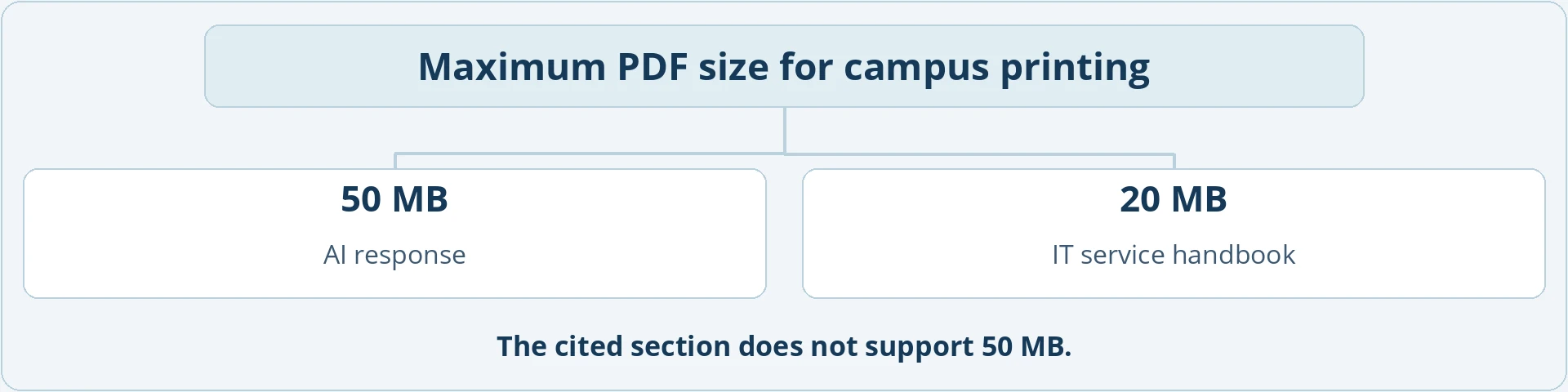
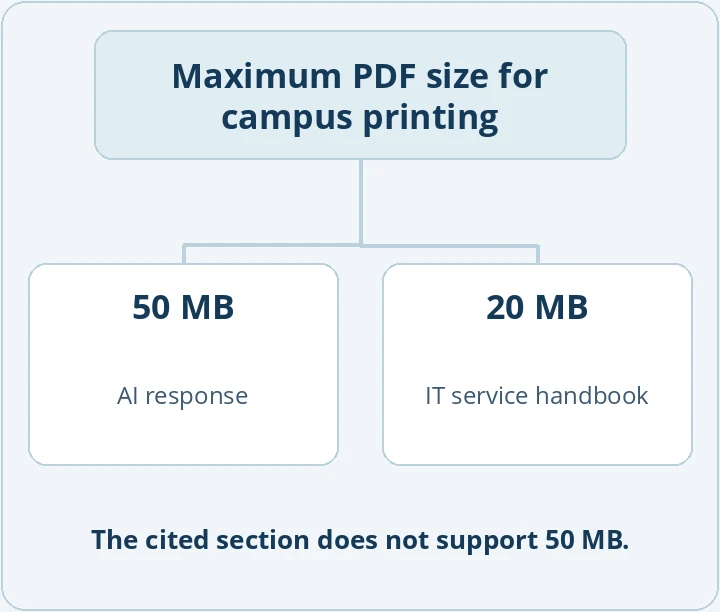
The citation points to campus printing. Only by reading the section can you see whether it supports the figure in the answer.
Where AI can assist with my work
In the case study, the AI responses are the material you investigate. In your own work, permitted AI assistance might suggest search terms or highlight unclear writing. Verify claims for your paper against the original sources yourself.
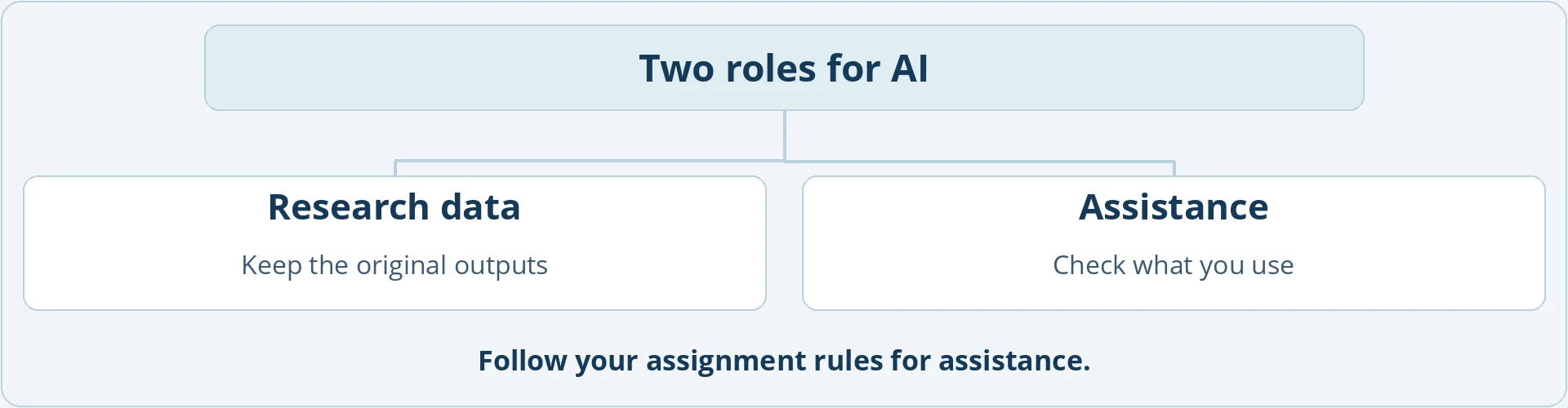
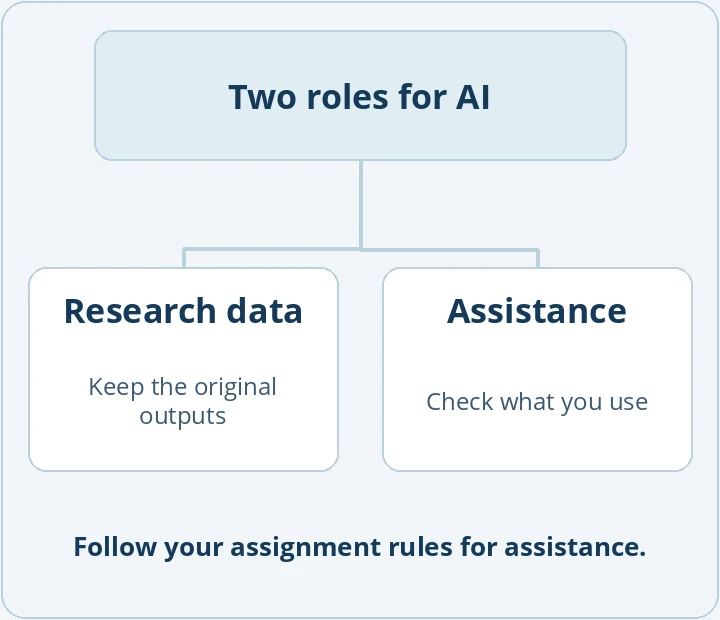
For a study, save the answers exactly as generated. Document any additional assistance as required by your assignment.
What is a manageable scope for my paper?
- Short paper
Compare twelve questions, for example. Decide in advance how you will recognise a correct answer.
- Dissertation
Add more cases or repeat the comparison if you want to investigate variation.
- Second assessment
Ask someone else to score the same answers using your rule and compare the results.


Discuss the scope with your supervisor. The one-page outline helps you summarise your question and method.
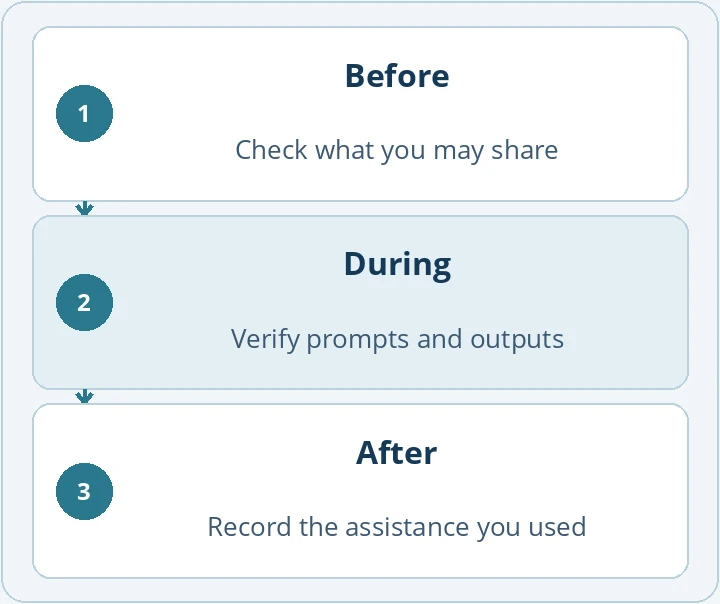
Before, during and after using AI
- Before
Check what AI use is permitted and what you can share.
- During
Check the suggestion against the handbook, literature or your data.
- After
Record what assistance you used and what you incorporated.

The templates include the handbook, questions and sample answers.
Exercise · Verify an AI answer using the handbook
You want to print a PDF on campus. The chat says “up to 50 MB” and names the “Campus printing” section. Open page 1 of the handbook. What limit does it give? Can you use the answer?
- Find the correct figure
Page 1 of the IT service handbook, under “Campus printing”, says the PDF must be no larger than 20 MB.
Why? The handbook gives the rule. The answer sheet simply records what the chat produced.
- Check the figure and its citation
The answer says 50 MB. The cited section does cover campus printing but gives a different limit.
Why? A citation can point to the right topic without supporting the exact claim. Check both: can you find the passage, and does it actually give that figure?
- Record the correction
“For campus printing, PDFs must be no larger than 20 MB (IT service handbook, p. 1, ‘Campus printing’).”
Why? Anyone reading your notes can verify the figure. If you are studying the chat's error, keep its original answer as well.
Further reading
How organisations define responsibilities and rules for their use of AI.
AI Governance
How organisations govern AI safely, responsibly and in line with regulationDIGITAL GOVERNANCE, REGULATION & RESILIENCEScale AI while keeping decisions, risks and accountability under control. This management guide connects strategic oversight with clear roles and practical governance of AI use, from the inventory and risk classification to approval and human oversight.
Templates to get started
Choose a template for your next step.
The guide and its figures are in English. The downloadable templates, handbook and example data are the German originals. In those files, “Campus printing” appears as “Campusdruck” and “With citation request” as “Mit Bitte um Fundstelle”.
The printing example on one page
See the question, comparison and teaching materials for the printing example on one page.
IT service handbook and test questions
Open the IT service handbook, test questions and both AI prompts.
Plan AI assistance for your paper
Plan where you need AI assistance and how you will check it.
Plan your next step
Plan the next step and select a template that fits.
Check the assignment requirements
Collect the rules for your assignment and make a note of open questions.
Outline your study
Summarise your question, approach and open decisions on one page.
AI use log
Record how you used AI and what you checked yourself.
You know what to do next
- You know what you may use AI for in your assignment.
- You have chosen a first question, source or passage.
- You can explain the next step in one sentence.
All 33 templates
Open the stage you are working on. Each entry links to the preview and download in the relevant chapter.
- The printing example on one pageDOCX · See the question, comparison and teaching materials for the printing example on one page.
- Plan AI assistance for your paperXLSX · Plan where you need AI assistance and how you will check it.
- Plan your next stepDOCX · Plan the next step and select a template that fits.